JW Player has been around for years—and for good reason. It’s fast, reliable, and built to handle high-quality video streaming at scale. Marketers, publishers, and media companies have all relied on it to deliver smooth playback and solid analytics.
But it’s not for everyone.
Some users find JW Player’s pricing structure restrictive, while others need more customization, better customer support, or broader integration options.
So, what are the best JW Player alternatives for video streaming?
It depends on your goals. If you’re focused on live streaming, monetization, or audience engagement, there are several strong contenders that can compete head-to-head with JW Player.
In this post, we’ll explore 11 of the best JW Player alternatives—covering their core features, pros and cons, and pricing. By the end, you’ll have a clear idea of which platform best fits your streaming needs.
Let’s dive in.
What is JW Player?
JW Player is a video player solution that began as an open-source project in 2008. It evolved into a comprehensive video platform serving media companies, broadcasters, and publishers worldwide.

The platform offers video hosting, delivery, and player technology in one package. JW Player supports various video formats and provides tools for video monetization through ads.
Companies use JW Player to stream videos on their websites and mobile apps. The platform works across devices and browsers, making it a popular choice for businesses that need reliable video delivery.
JW Player includes analytics tools that help users understand viewer behavior. These insights allow businesses to optimize their content strategy based on real data.
Despite its popularity, many businesses are now looking for alternatives due to pricing changes and feature limitations.
Features
- HTML5 video player with customization options
- Video hosting and content management
- Advertising and monetization tools
- Analytics and viewer insights
- Live streaming capability
- Multi-device support
- API access for developers
- DRM protection options
- Adaptive bitrate streaming
- Video recommendations engine
Pros
- Reliable video playback across devices
- Strong advertising options for monetization
- Good analytics for viewer data
- Extensive customization options
- Well-established brand with proven track record
- Support for various video formats
- Developer-friendly with good documentation
- Global CDN for content delivery
- Adaptive streaming technology
- VAST and VPAID ad support
Cons
- Higher pricing than many competitors
- Limited free tier options
- Complex pricing structure
- Some advanced features require enterprise plans
- Customer support can be slow for lower-tier plans
- Steeper learning curve for non-technical users
- Limited live streaming features compared to specialists
- Occasional playback issues on certain browsers
- API changes can require development adjustments
- Limited direct monetization options beyond advertising
10 Best JW Player Alternatives You Can Choose
So, you’re considering switching from JW Player—but which alternative is actually worth your time?
With so many video players on the market, it’s easy to get overwhelmed by features, pricing, and integrations. The key is to find a platform that fits your specific needs, whether it’s streaming quality, customization, or analytics.
In the next section, we’ll break down 10 of the best JW Player alternatives, so you can see which one checks all the right boxes.
1. Castr
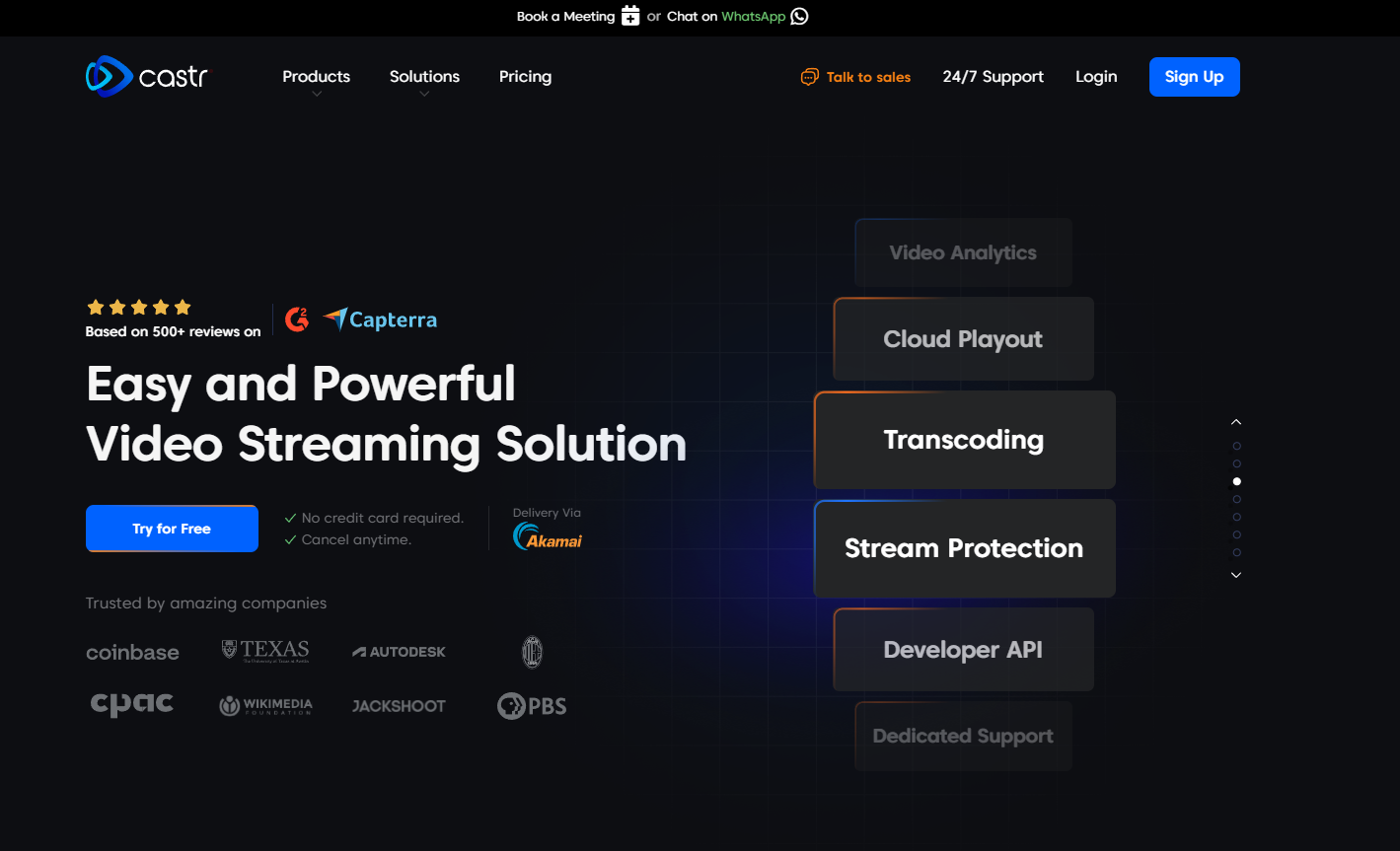
Castr stands out as a powerful JW Player alternative focused on live streaming and video hosting. The platform offers an intuitive interface that makes it easy for businesses and content creators to start streaming quickly.
Unlike JW Player’s complex pricing, Castr provides transparent, predictable pricing plans that scale with your needs. You pay for what you use without hidden fees or surprises.
Castr excels at live streaming with ultra-low-latency options that keep your audience engaged. The platform supports multiple streaming protocols and offers multi-CDN delivery for global reach.
For businesses concerned about content protection, Castr includes security features like password protection, geo-restriction, and domain locking. These tools help you control who can access your content.
Castr also offers white-label streaming, allowing you to maintain your brand identity throughout the viewer experience. The platform integrates easily with websites, apps, and social media platforms.
Features
- Ultra-low latency live streaming (under 1 second)
- Multi-CDN video delivery network
- White-label streaming player
- Adaptive bitrate streaming
- Video hosting with unlimited storage options
- Direct social media streaming
- Pay-per-view and subscription monetization
- 24/7 channels and playlists
- Detailed analytics dashboard
- Content protection tools (geo-blocking, password protection)
- Custom RTMP ingest points
- API access for custom integrations
- Multi-bitrate streaming support
- Live stream recording
- Video CMS for content management
Pros
- Transparent, predictable pricing
- Excellent live streaming performance
- User-friendly interface for quick setup
- Strong content protection options
- Multi-CDN approach for reliable delivery
- Direct monetization tools built-in
- Superior customer support
- White-label options at all plan levels
- No viewer limits
- Easy embedding on any website
- Multiple streaming protocols supported
- Regular feature updates
- Low learning curve
- Free trial available
- Good value for the price
Cons
- Newer to market than some competitors
- Limited third-party integrations compared to JW Player
- Mobile app still developing
- Some advanced analytics features in development
- Limited video editing tools
2. Brightcove

Brightcove is an enterprise-level video platform that serves major media companies and large businesses. The platform focuses on professional video management and distribution at scale.
Brightcove offers robust video hosting with advanced features for content organization. Their video player technology supports high-quality playback across devices.
The platform includes strong monetization options through advertising, subscriptions, and pay-per-view models. This flexibility helps businesses generate revenue from their video content.
Brightcove provides comprehensive analytics that track viewer engagement and content performance. These insights help companies optimize their video strategy for better results.
Enterprise users appreciate Brightcove’s security features and reliable content delivery network. The platform handles high-volume video traffic with excellent performance.
Features
- Enterprise-grade video CMS
- Live streaming and VOD support
- Server-side ad insertion
- Advanced analytics suite
- Global content delivery network
- Marketing tools integration
- DRM protection
- Customizable video experiences
- OTT delivery capabilities
- Video monetization tools
- Multi-platform publishing
- Video SEO features
- Cloud transcoding
- Video marketing tools
- Social media distribution
Pros
- Enterprise-level reliability
- Comprehensive video management tools
- Strong security features
- Excellent technical support
- Robust analytics package
- High-quality video delivery
- Scalable for large organizations
- Powerful monetization options
- Good integration capabilities
- Professional branding options
- Reliable uptime
- Regular platform updates
- Extensive documentation
- Established industry reputation
- Handles high-volume traffic well
Cons
- Expensive for small businesses
- Complex interface with steep learning curve
- Requires technical knowledge to maximize features
- Long-term contracts often required
- Limited flexibility in lower-tier plans
- Can be overbuilt for simple needs
- Slow technical support for non-enterprise users
- Higher costs as usage scales
- Limited customization in basic plans
- Implementation can be time-consuming
3. VPlayed
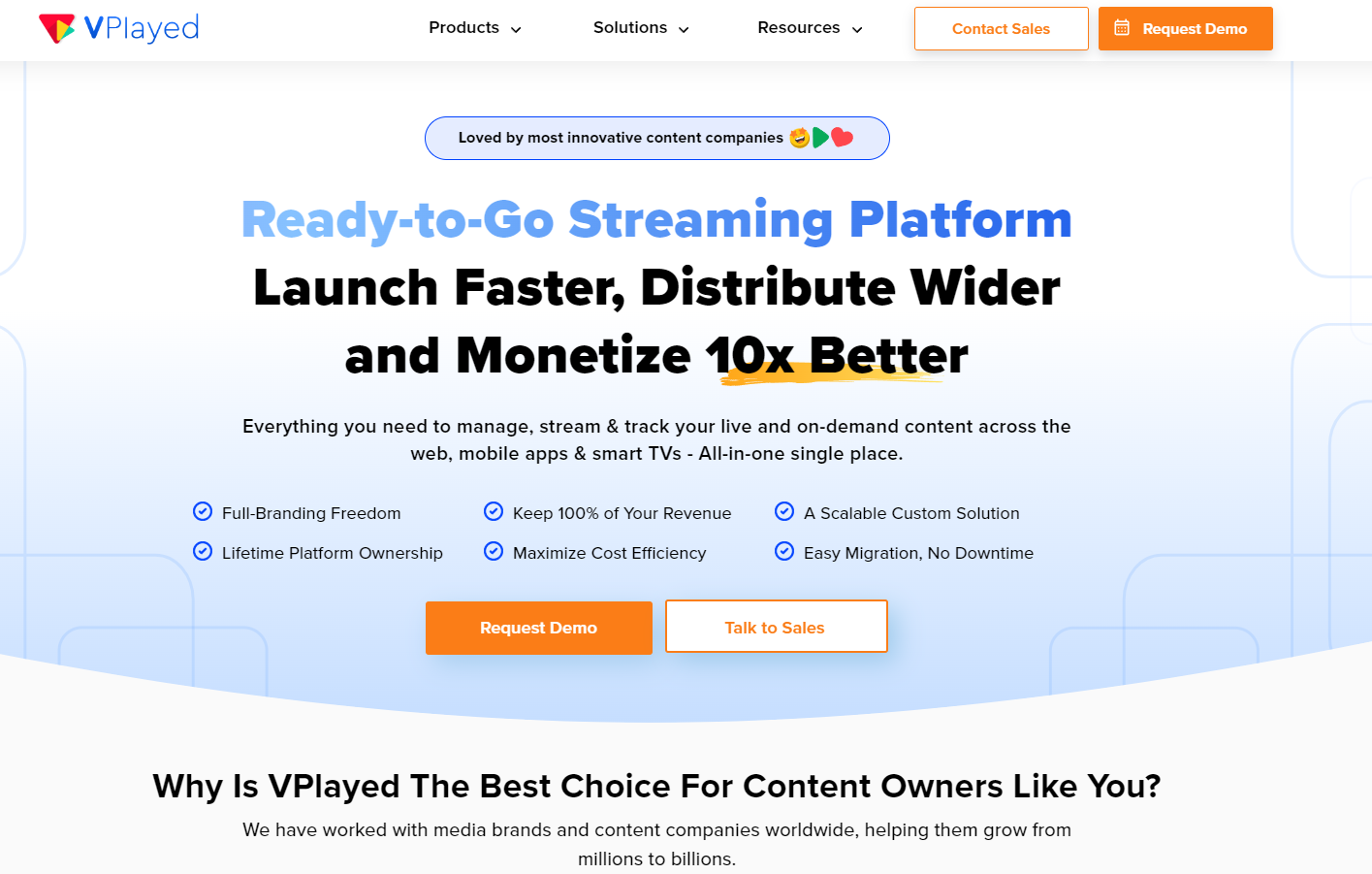
VPlayed stands out as an all-inclusive JW Player alternative focused on delivering live and on-demand video content across various devices (web, mobile, smart TVs). The platform serves content owners, broadcasters, businesses, and media-tech enterprises. VPlayed offers reliable video streaming with low-latency options for real-time engagement.
The platform emphasizes full branding freedom while offering complete access to the source code. VPlayed offers powerful features like 4K transcoding, digital rights management (DRM), video CMS, analytics, and 10+ video monetization options.
For content owners, VPlayed offers a Netflix-style Interface to create branded subscription video streaming services. This capability allows content owners to host, stream, manage, distribute, and monetize video content from a unified platform.
Features
- Multi-Cloud Architecture
- 10+ Video Monetization Options
- Multi-lingual Support
- Bulk Content Upload
- Multiple Content Partner Portal
- Dynamic Watermarks
- IP Access Control
- Customizable CDN
- HTML5 Video Player
- 360-Degree Video Viewing
- Set Custom Metrics
- Password protection
Pros
- Unlimited Customization
- Full Branding Freedom
- On-premise/Cloud Hosting
- Faster time-to-market (TTM)
- Scalable for Enterprises
- 200+ Third-party Integrations
- Lossless Migration Support
- Enterprise-grade Security Protocols
- Adaptive Bitrate Streaming
- Video Editing Suite
- AI-Powered Capabilities in Metadata Management
- Video SEO Benefits
Cons
- Steep learning curve
- Time-consuming setup
- Lack of audio streaming feature
- Limited IPTV features.
4. Wistia

Wistia positions itself as a video platform for businesses focused on marketing and internal communications. The platform emphasizes viewer engagement and lead generation. Wistia’s video player offers excellent customization options that match your brand identity. The clean, distraction-free player keeps viewers focused on your content.
The platform includes powerful marketing tools like email capture forms within videos. These features help businesses convert viewers into leads and customers. Wistia provides detailed analytics that go beyond basic view counts. You can see exactly how viewers engage with your videos, including attention spans and drop-off points.
For teams, Wistia offers collaboration tools that streamline the video production workflow. These features help marketing teams work efficiently on video projects.
Features
- Marketing-focused video player
- In-video email capture forms
- Detailed engagement analytics
- Video SEO tools
- Customizable player
- Video heatmaps
- A/B testing capabilities
- Channel pages for video collections
- Integration with marketing platforms
- Video organization tools
- Viewer tracking
- Team collaboration features
- Video embedding options
- Video sitemaps
- Password protection
Pros
- Excellent marketing features
- User-friendly interface
- Strong viewer engagement data
- Clean, professional player design
- Good brand customization options
- Helpful customer support
- Marketing platform integrations
- Regular feature improvements
- No ads on videos
- Reliable video hosting
- Good video quality
- Easy embedding process
- Intuitive analytics dashboard
- Solid performance on all devices
- Focus on lead generation
Cons
- Limited live streaming capabilities
- Higher price point for storage
- Bandwidth limitations on lower plans
- Not focused on monetization
- Limited content protection options
- Fewer player customization options than some alternatives
- Not designed for high-volume streaming
- Limited advanced technical features
- Basic live streaming capabilities
- Storage costs can increase quickly
- Limited multi-language support
- No built-in monetization tools
- Not ideal for large media libraries
- Limited API access on lower plans
- Focus on marketing rather than broadcasting
5. Vimeo
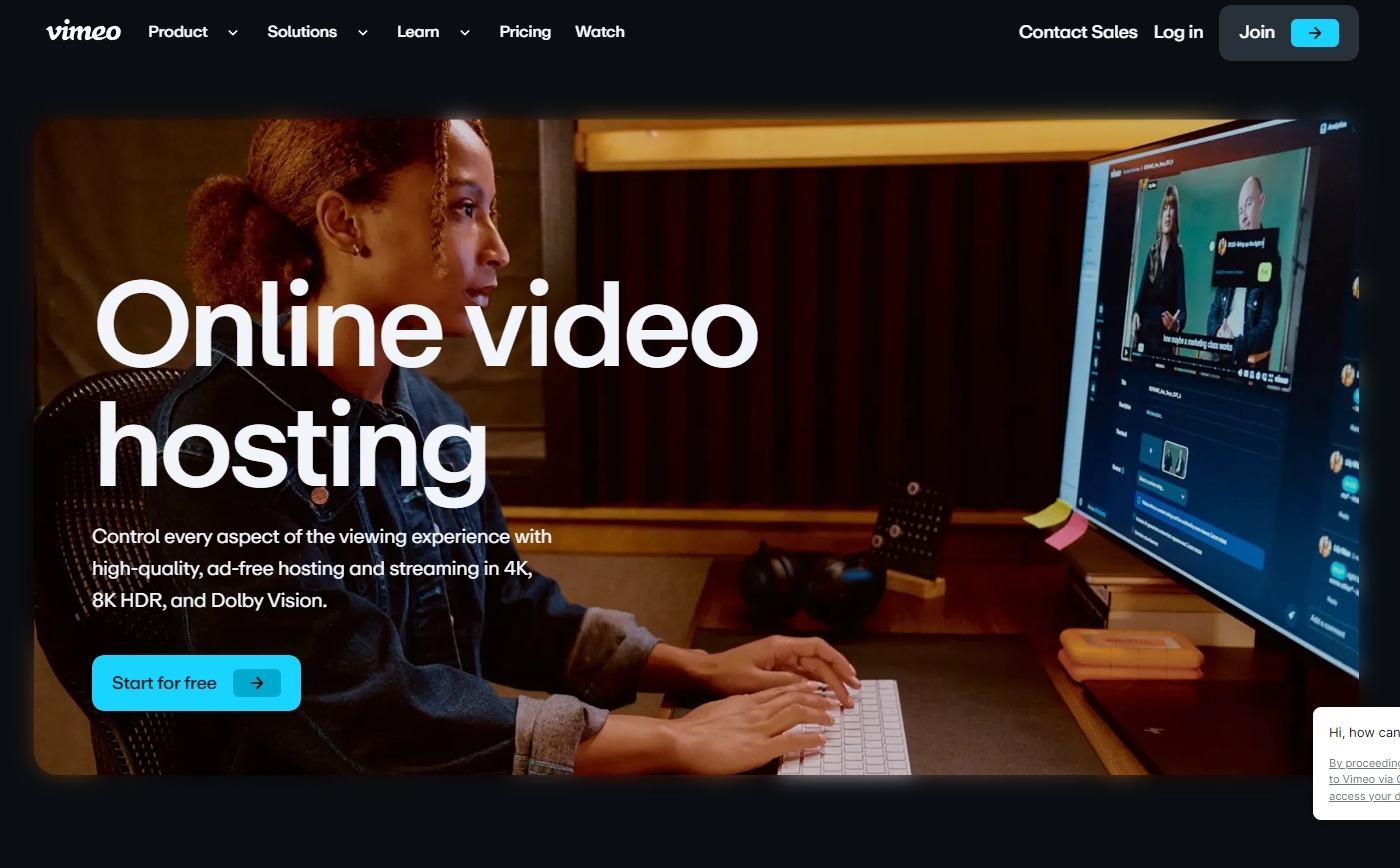
Vimeo has evolved from a YouTube alternative to a comprehensive video solution for businesses. The platform offers both consumer and enterprise-level video tools. Vimeo provides high-quality video hosting with a clean, professional player. The platform emphasizes video quality over quantity, attracting creative professionals.
For businesses, Vimeo offers team collaboration tools that streamline the video workflow. These features help teams create, review, and publish videos efficiently. Vimeo includes basic live streaming capabilities and on-demand video hosting. The platform supports various video formats and resolutions, including 4K.
The platform’s OTT features allow businesses to create subscription video services. This capability helps companies build recurring revenue streams from video content.
Features
- High-quality video hosting
- Customizable video player
- Review and collaboration tools
- Basic live streaming
- OTT platform capabilities
- Privacy controls
- Video analytics
- Marketing tools
- Social sharing features
- Video monetization options
- Password protection
- Video portfolio pages
- Team management features
- Video storage
- API access
Pros
- Professional image and community
- High-quality video playback
- Good privacy options
- Clean, ad-free player
- User-friendly interface
- Reliable hosting infrastructure
- Brand customization options
- Solid video organization tools
- Regular platform improvements
- Good customer support
- Straightforward pricing tiers
- Strong desktop experience
- Video SEO benefits
- Creative community
- Established brand reputation
Cons
- Limited live streaming features
- Higher cost for advanced features
- Basic analytics compared to specialists
- Limited monetization options on lower tiers
- Restricted bandwidth on cheaper plans
- Limited marketing integrations
- Less focus on lead generation
- Mobile experience not as strong as desktop
- Limited advanced security features
- Storage limits can be restrictive
- Enterprise features require higher-tier plans
- Limited customer support on basic plans
- Not focused on broadcast-quality streaming
- More expensive than YouTube for basic hosting
- Limited advanced customization options
6. Kaltura

Kaltura offers an open-source video platform that serves educational institutions, enterprises, and media companies. The platform provides flexible deployment options, including cloud and on-premises.
Kaltura excels in video management with powerful tools for organizing large content libraries. These features help enterprises manage thousands of videos efficiently. The platform includes robust live streaming capabilities for virtual events and webcasts. Kaltura handles high-volume streaming with reliable performance.
For educational users, Kaltura offers specialized tools for lecture capture and virtual classrooms. These features make it popular among universities and online learning platforms. Kaltura provides extensive API access for custom development. This flexibility allows businesses to integrate video into their existing systems.
Features
- Open-source video platform
- Cloud and on-premises options
- Extensive API library
- Educational tools
- Enterprise content management
- Live streaming and webcasting
- Video portal solutions
- Lecture capture tools
- Interactive video features
- Video analytics
- Content moderation tools
- Transcoding services
- Multi-language support
- Accessibility features
- Developer tools
Pros
- Highly customizable platform
- Flexible deployment options
- Strong for educational use cases
- Good for large enterprises
- Robust security features
- Scales for large video libraries
- Strong API capabilities
- Active development community
- Comprehensive video management
- Good accessibility compliance
- Enterprise-grade reliability
- Advanced workflow options
- Extensive integration capabilities
- Support for complex organizations
- Good for internal video portals
Cons
- Complex implementation
- Steeper learning curve
- Higher cost for full features
- Requires technical resources
- Less intuitive interface
- Time-consuming setup
- Can be overbuilt for simple needs
- Implementation costs can be high
- Requires developer resources
- Slower updates than cloud-only solutions
- Resource-intensive for self-hosting
- Complicated pricing structure
- Less suitable for small businesses
- Administrative overhead
- Complex customization process
7. Dacast
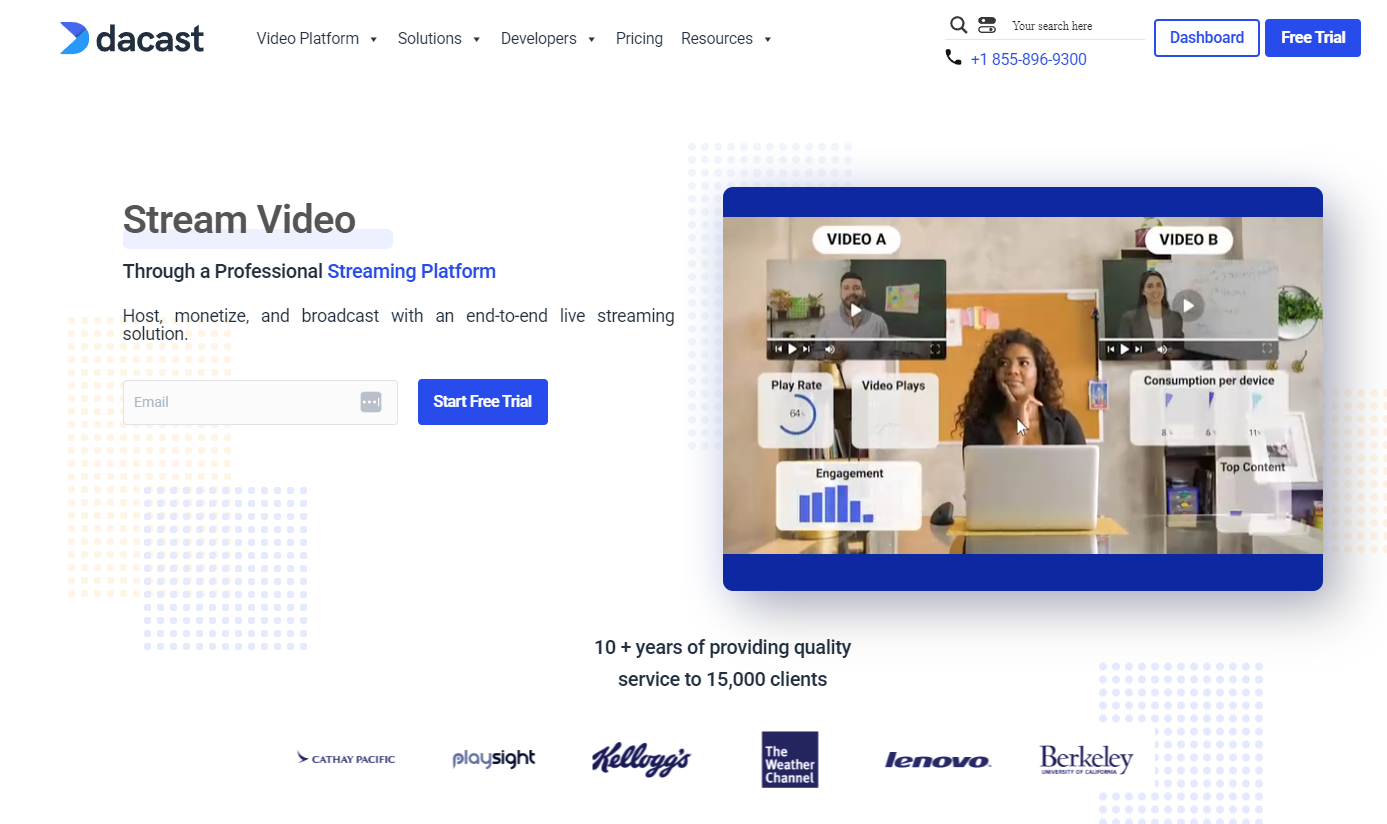
Dacast focuses on professional live streaming and video hosting with strong monetization options. The platform serves broadcasters, businesses, and event organizers.
Dacast offers reliable live streaming with low-latency options for real-time engagement. The platform handles high-quality video streams with excellent stability. For monetization, Dacast provides pay-per-view, subscription, and advertising options. These tools help content creators generate revenue directly from their videos. Dacast includes content protection features like password protection, geo-restriction, and domain control. These security tools protect valuable video content.
The platform offers white-label streaming that maintains your brand identity. This feature helps businesses deliver a consistent brand experience.
Features
- Professional live streaming
- Video on demand hosting
- Monetization tools (PPV, subscriptions)
- White-label video player
- Security features
- Analytics dashboard
- Multi-device compatibility
- China video delivery
- Low latency streaming
- Video API
- Embedding options
- Playlist management
- Multi-bitrate streaming
- Real-time monitoring
- Chapter markers
Pros
- Strong live streaming capabilities
- Good monetization options
- Reliable video delivery
- Professional white-label solution
- Detailed analytics
- China video delivery
- Straightforward pricing structure
- Good technical support
- Reliable uptime
- Content security options
- Regular platform improvements
- Global CDN coverage
- No viewer limits
- API access on all plans
- Streaming to social platforms
Cons
- Higher cost than basic solutions
- Interface less intuitive than some competitors
- Limited video marketing tools
- Some advanced features cost extra
- Steeper learning curve for beginners
- Limited team collaboration tools
- Basic video CMS
- Limited editing capabilities
- Fewer marketing integrations
- Storage costs can add up
- Some features require technical knowledge
- Limited free trial period
- Customer support can be slow at times
- Basic mobile experience
- Limited template options
8. Flowplayer

Flowplayer offers a lightweight, customizable video player with hosting capabilities. The platform focuses on simplicity and performance for publishers and marketers. Flowplayer provides a fast-loading HTML5 player that performs well on all devices. The lightweight design helps maintain website speed and performance.
The platform includes basic analytics that track viewer engagement and video performance. These insights help businesses understand how viewers interact with their content. Flowplayer offers advertising tools for monetizing video content. The platform supports various ad formats and integrates with popular ad servers.
For developers, Flowplayer provides a flexible API and developer tools. These features allow for custom implementation and integration with other systems.
Features
- Lightweight HTML5 player
- Video hosting
- Basic analytics
- Advertising support
- API for developers
- Customizable player design
- Adaptive streaming
- Mobile optimization
- Embedding options
- Basic DRM protection
- Video playlists
- Responsive design
- Basic live streaming
- Multiple audio tracks
- HLS support
Pros
- Fast-loading player
- Good mobile performance
- Simple implementation
- Clean player design
- Reasonable pricing
- Developer-friendly
- Regular updates
- Good documentation
- Reliable playback
- Low resource usage
- Easy embedding process
- Suitable for publishers
- Good browser compatibility
- Lightweight footprint
- Basic features work well
Cons
- Limited advanced features
- Basic analytics compared to competitors
- Fewer monetization options
- Limited marketing tools
- Basic content protection
- Limited live streaming capabilities
- Fewer customization options than some competitors
- Limited support for large organizations
- Basic content management
- Limited integration options
- Fewer security features than enterprise solutions
- Limited scalability for large video libraries
- Basic user management
- Limited educational features
- Minimal collaboration tools
9. Vidyard
Vidyard specializes in video tools for sales, marketing, and internal communications. The platform helps businesses use video for lead generation and customer engagement. Vidyard offers excellent marketing features like in-video forms and CTAs. These tools help convert viewers into leads and customers. The platform provides detailed viewer tracking that integrates with CRM systems. These insights help sales teams identify interested prospects and personalize follow-ups.
Vidyard includes screen recording tools for creating quick, personalized videos. This feature helps sales teams connect with prospects through personalized video messages.
For marketing teams, Vidyard offers A/B testing and performance analytics. These tools help optimize video content for better results.
Features
- Video hosting and management
- In-video CTAs and forms
- CRM integration
- Screen recording tool
- Viewer engagement data
- Email video tools
- Video personalization
- Team collaboration features
- Video SEO tools
- Customizable player
- Video organization
- Enterprise security features
- Video heatmaps
- Audience data
- API access
Pros
- Excellent marketing and sales features
- Strong CRM integrations
- Detailed viewer tracking
- Good lead generation tools
- User-friendly interface
- Helpful customer support
- Regular platform improvements
- Good for sales enablement
- Strong security features
- Professional player design
- Good mobile experience
- Intuitive analytics dashboard
- Solid performance
- Good for internal communications
- Screen recording capability
Cons
- Limited live streaming capabilities
- Higher price point for advanced features
- Not focused on monetization
- Limited content protection options
- Not designed for media companies
- Basic video editing capabilities
- Limited broadcasting features
- Storage limitations on lower plans
- Limited advanced technical features
- Not ideal for large media libraries
- Focus on B2B rather than broadcasting
- Limited multi-language support
- Not designed for entertainment content
- Limited advanced customization
- No built-in monetization tools
10. Video.js

Video.js is an open-source HTML5 video player framework that gives developers complete control over the video experience. The framework focuses on flexibility and customization. Video.js provides a lightweight player that works across browsers and devices. The framework supports various video formats and streaming protocols.
Developers appreciate Video.js for its extensive customization options. The framework allows for complete control over player appearance and functionality. Video.js includes a plugin architecture that extends functionality. These plugins add features like analytics, advertising, and social sharing.
The open-source nature of Video.js means no licensing costs for basic use. This makes it attractive for projects with budget constraints.
Features
- Open-source HTML5 player
- Cross-browser compatibility
- Customizable skin
- Plugin architecture
- Responsive design
- Keyboard controls
- Accessibility features
- HLS and DASH support
- WebVTT captions
- Playback rate control
- Fullscreen support
- Video poster images
- Event system
- Developer API
- Custom controls
Pros
- Free and open source
- Complete customization control
- Lightweight footprint
- Strong developer community
- No licensing costs
- Regular updates
- Good documentation
- Works on all devices
- No vendor lock-in
- Flexible implementation
- Extensive plugin ecosystem
- No usage limits
- Developer-friendly
- Good performance
- Adaptable to any project
Cons
- Requires development resources
- No built-in hosting
- Limited support options
- No built-in analytics
- Requires technical knowledge
- No content management system
- Must build monetization solutions
- Limited security features out of box
- Requires custom implementation
- No official support team
- Time-consuming setup
- No built-in content protection
- Requires maintenance
- Limited marketing features
- No built-in CDN
11. Cloudflare Stream
Cloudflare Stream combines video hosting, delivery, and player technology on Cloudflare’s global network. The platform focuses on performance and security. Cloudflare Stream provides simple pricing based on storage and delivery. This transparent approach helps businesses predict costs more accurately.
The platform leverages Cloudflare’s global network for fast video delivery. This infrastructure ensures good performance for viewers worldwide. Cloudflare Stream includes basic content protection features. These security tools help protect video content from unauthorized access.
For developers, Cloudflare Stream offers an API for custom implementation. This flexibility allows for integration with existing systems.
Features
- Global CDN delivery
- Video hosting
- Customizable player
- API access
- Basic analytics
- Adaptive bitrate streaming
- DRM support
- Simple embedding
- Video storage
- Responsive player
- Developer tools
- Custom domains
- HLS delivery
- Video transcoding
- HTTPS delivery
Pros
- Fast global delivery
- Simple, predictable pricing
- Good security features
- Reliable infrastructure
- Developer-friendly
- Good documentation
- Straightforward implementation
- No bandwidth limits
- Global performance
- Regular platform updates
- Transparent pricing
- Good API capabilities
- Strong uptime record
- Basic features work well
- Network performance
Cons
- Limited marketing features
- Basic analytics compared to specialists
- Limited player customization
- No built-in monetization tools
- Limited content management
- Basic live streaming capabilities
- Fewer features than full-service platforms
- Limited support for marketing teams
- No collaboration tools
- Limited integration options
- Basic user management
- Limited educational features
- Not focused on lead generation
- Limited advanced features
- Minimal marketing tools
Conclusion
Choosing the right JW Player alternative depends on your specific needs. Each platform offers unique strengths and limitations. For businesses seeking reliable streaming with transparent pricing, Castr offers an excellent balance of features and value. The platform provides powerful live streaming capabilities, video hosting, and direct monetization tools.
Larger enterprises might consider Brightcove or Kaltura for their robust feature sets. Marketing-focused teams often prefer Wistia or Vidyard for their lead generation tools. Consider your budget, technical requirements, and business goals when selecting a platform. Many services offer free trials that let you test before committing.
Ready to try a JW Player alternative that combines powerful features with a user-friendly design? Castr offers a free trial that lets you experience its streaming capabilities firsthand. Sign up today and see why more businesses are switching to Castr for their video needs.